 devops.observer
The file missing from the build
A Docker build cannot copy a file that exists locally. Investigate the build context and restore the build without exposing a private fixture.
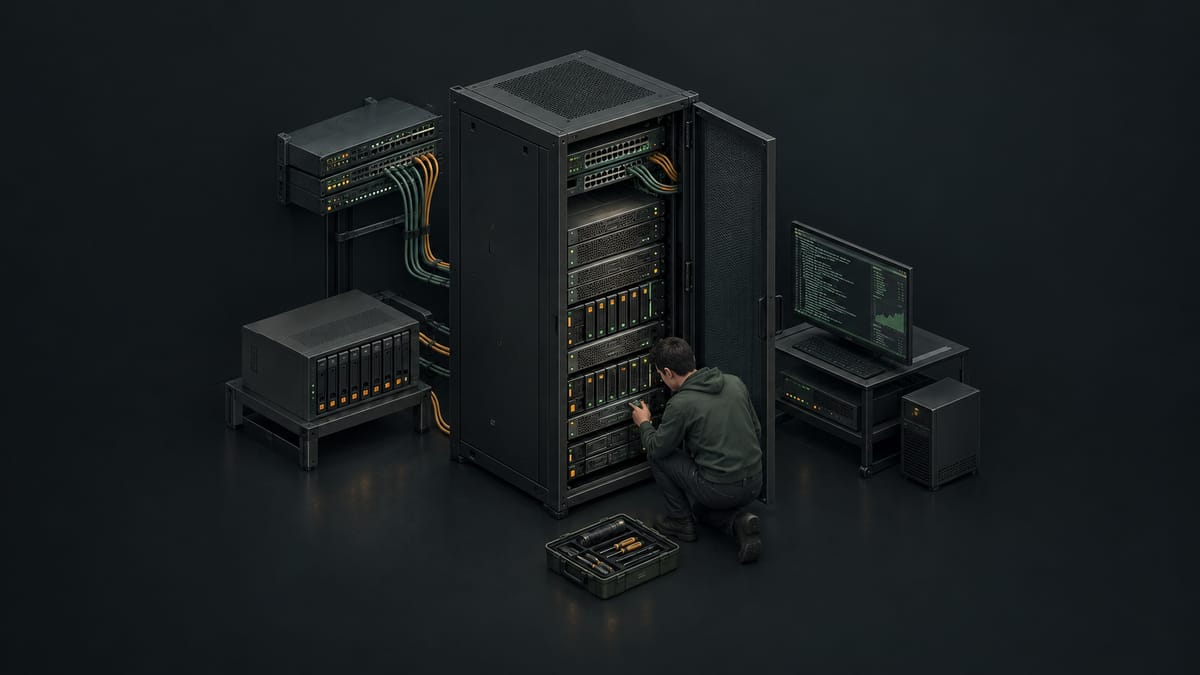
The scenario
A small application image fails while copying its required message file. Repair the build context while keeping the private fixture excluded from it.
Mission objectives
- Reproduce the build failure and inspect its context.
- Make the required file available to the Docker build.
- Keep the private fixture excluded and verify the resulting image.
Get the lab
Download and inspect the installer before running it. It checks the archive's SHA-256 digest and refuses to overwrite an existing lab directory.
curl -fsSLO https://devops.download/labs/devops-04-docker-build-context.sh less devops-04-docker-build-context.sh
bash devops-04-docker-build-context.sh
cd labs/devops-04-docker-build-context
./setup.shWhen you've made your changes, run ./verify.sh. Remove lab resources with ./teardown.sh.
Need a nudge?
Hint #1
Compare the file named in the COPY instruction with the files filtered out of the build context.
Hint #2
Inspect .dockerignore carefully; preserve the exclusion for the private fixture.
Hint #3 · Deep Dive Runbook on opsbreakfix.com
Solved it?
Read the Official Root Cause Analysis & Certification Roadmap on opsbreakfix.com
Continue to opsbreakfix.com ↗